Pitaia
A fast, offline video toolbox for macOS — free, private, no cloud.
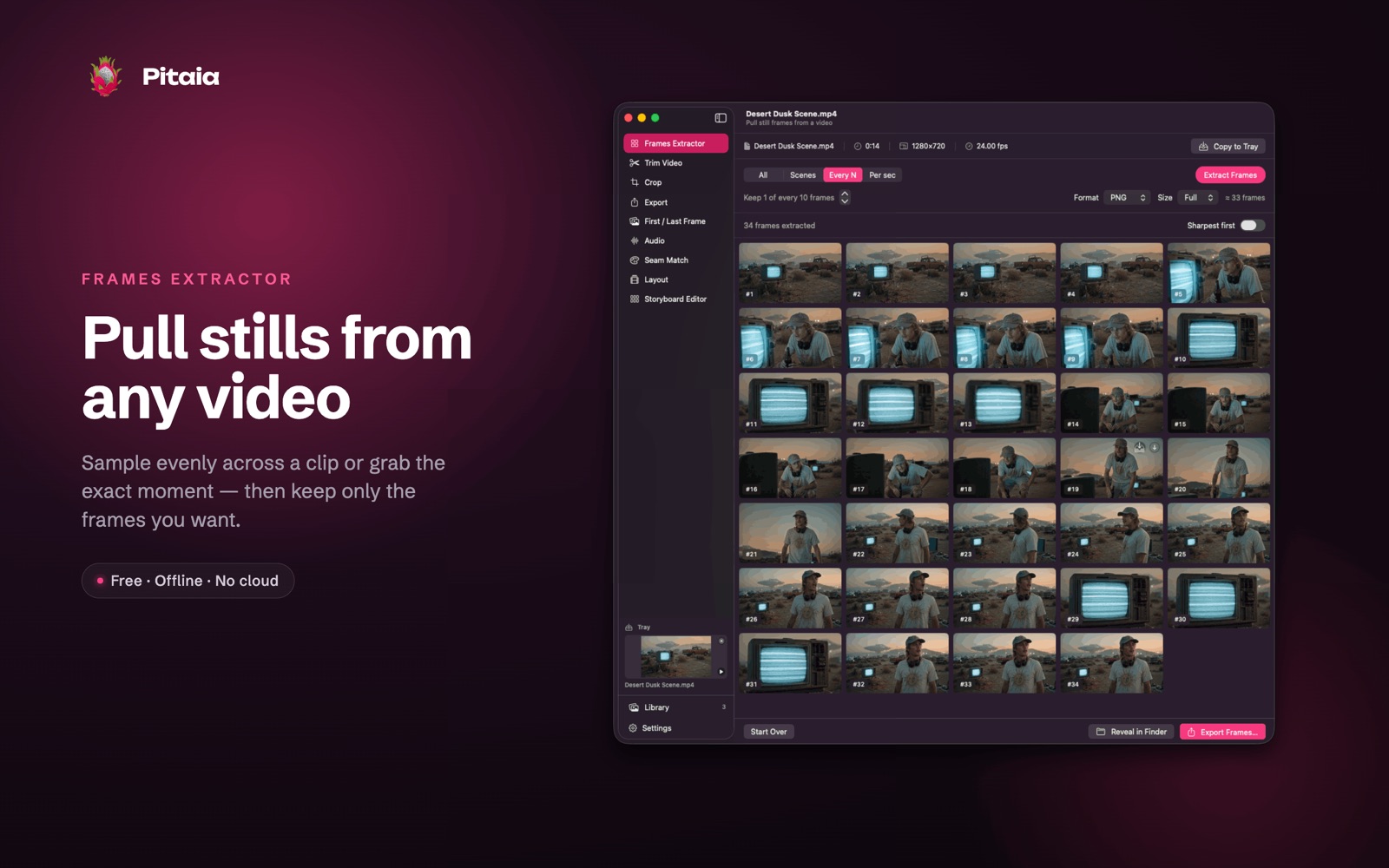
Pitaia is a fast, no-nonsense video toolbox for macOS — and it's free. It gathers the small, fiddly jobs you keep reaching for — pulling a frame, trimming a clip, converting a format, matching a colour, laying takes end to end, editing a sound — into one tidy app with a dedicated tool for each task. Everything runs on your Mac: nothing is uploaded, there's no account, and there's no subscription. Pick a tool from the sidebar, drop in a file, and go.
The tools
- Frames Extractor — pull still frames from any video, sampled evenly across a clip or grabbed at specific moments.
- Trim — set in and out points on a scrubbable timeline; a fast, lossless cut or a frame-accurate re-encode.
- Crop — crop an image or video to any region or fixed aspect ratio, with a live preview.
- Export — transcode, resize, change frame rate or switch container (MP4, MOV, WebM, GIF, audio-only and more), kept friendly with a single Quality slider.
- First / Last Frame — grab the very first or last frame of a clip as an image in one click.
- Audio — drop a sound file, see its waveform, set a trim window, and add fade-in and fade-out — previewed live — then export to M4A or WAV.
- Seam Match — colour-match two clips at a join so the cut between them looks seamless, with adjustable strength.
- Layout — arrange and trim several clips into a single back-to-back video.
- Storyboard Editor — slice a contact sheet or grid image into its individual cells.
A built-in Tray and Library let you stash results and hand a file from one tool to the next without digging through folders.
Private by design
Pitaia does all of its work locally, on-device. It has no network features, collects no data, requires no sign-in, and never sends your media anywhere — what's on your Mac stays on your Mac. It's a native SwiftUI app with drag-and-drop, a reorderable sidebar, light and dark mode, and standard "Export…" and "Reveal in Finder" actions throughout.
Pitaia is especially handy if you work with lots of short clips — camera exports, screen recordings, or generated video — and need to clean them up, standardise them, and stitch them together quickly.